
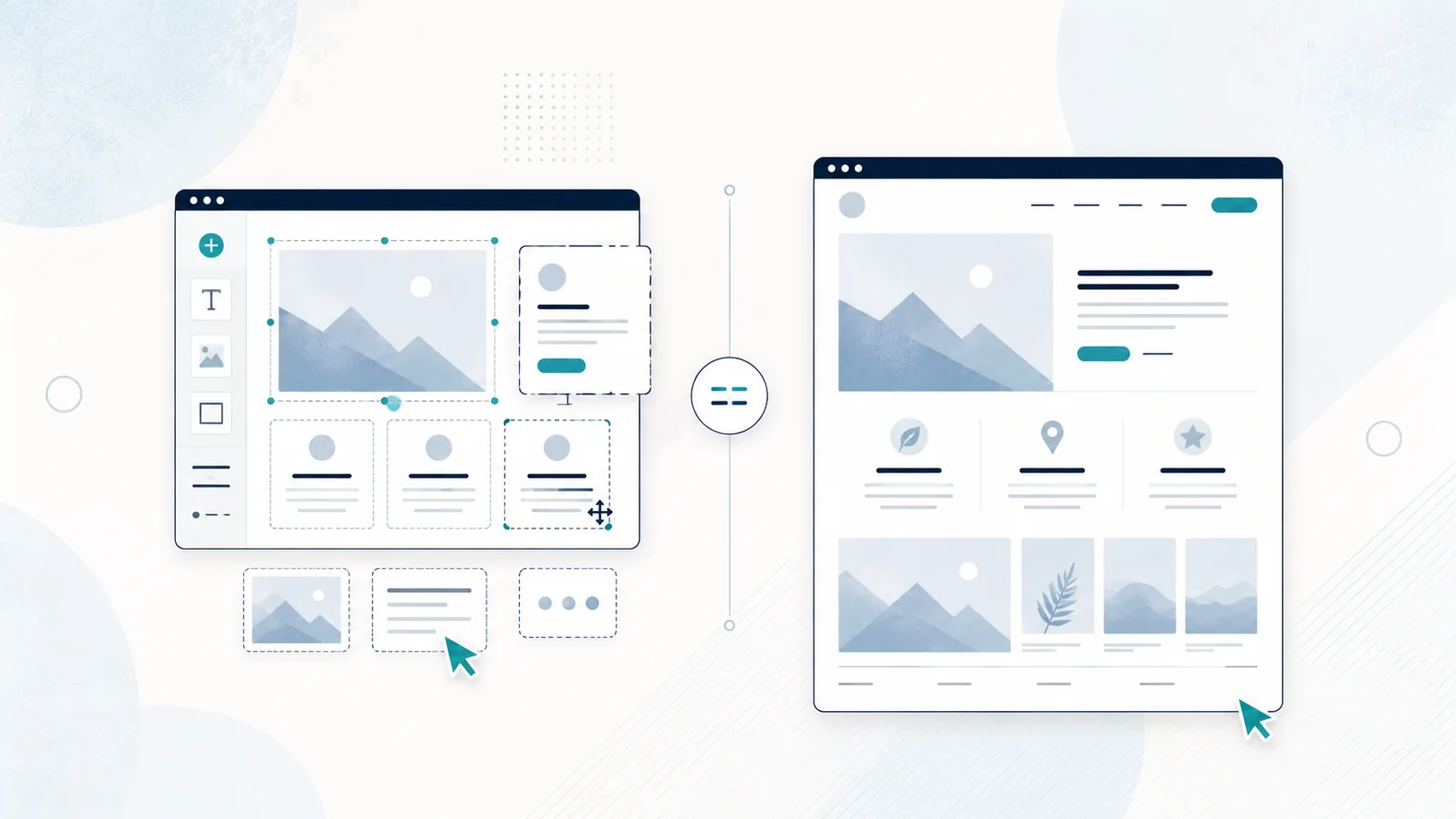
Wix vs web designer: quick comparison
| Factor | Wix DIY | Web designer |
|---|---|---|
| Upfront cash cost | Usually lower | Usually higher |
| Ongoing platform cost | Paid plan/domain costs for a professional setup | Depends on the designer's hosting/domain arrangement |
| Your time | Can be substantial | Much lower once you provide business information and feedback |
| Learning curve | You learn the platform and web basics | Designer handles the website work |
| Design | Template/editor gives you control, but quality depends on your decisions | Design is handled for you |
| Mobile usability | Wix provides mobile-friendly tools, but you still need to check and refine the result | Designer should handle mobile as part of the build; confirm it in the quote |
| SEO foundations | Wix has built-in SEO settings and tools | A designer can set up structure and basics for you; scope varies by provider |
| Copywriting | You write it unless you use tools or outside help | May be included or available; ask |
| Support | Wix customer support plus self-service documentation | Depends on the designer and agreement |
| Maintenance | You manage the site and subscriptions | Depends on the arrangement |
| Control | You control your Wix account and can transfer a Wix site to another Wix account | Depends on platform, account ownership and contract; ask before hiring |
What Wix actually gives you
Wix is a hosted website-building platform. You can start building for free with a Wix-branded address. Using your own domain requires an upgraded site plan, and domain registration is a separate service unless a plan offer includes it for a period. Hosting is built into Wix's site plans.
Wix also creates a mobile-friendly view and provides mobile editing tools. Its SEO settings cover basics such as page titles, meta descriptions, URL slugs, indexability and canonical tags.
So "Wix is impossible to rank" is too simplistic. Wix provides the tools needed for a site to be indexable. Whether the site actually ranks depends on the content, competition, relevance and other signals.
What a web designer does that Wix does not
Wix is software. A web designer is a person making decisions.
That difference sounds obvious, but it is the core of the comparison.
When you build the site yourself, you are deciding:
- which pages the business needs
- what the navigation should look like
- what goes above the fold
- how to explain the services
- what order the sections should appear in
- which photos to use
- how much text is enough
- what the calls to action should say
- how the mobile version should behave
- how to set up basic SEO information
- what to remove when the page starts getting cluttered
The editor can make it easier to place a button. It cannot know whether that button is the right action for your customer. A good designer is being paid for those decisions as much as for assembling the page.
Upfront cost: is Wix cheaper than a web designer?
In pure upfront cash terms, DIY Wix will usually be cheaper than hiring a designer.
You can begin building for free, then pay for the plan and domain setup you need when you are ready to use the site professionally.
A web designer charges for their time and expertise, so there is a build cost on top of any domain, hosting or ongoing services that apply.
But compare like with like.
If your real choice is:
Option A: spend a weekend or several evenings building the site yourself, learning as you go, writing the content and fixing the mobile layout.
Option B: pay someone to handle that work.
Then the cost difference is not only the invoice. Your time has a value too.
For a business owner with plenty of spare time and very little cash, DIY can still be the right answer.
For someone who can earn more by quoting jobs, serving customers or doing paid work, spending 15 or 20 hours learning web design may not feel as cheap once the time is counted.
Recurring cost: do not compare only the first payment
A useful comparison should include the first year and the years after it.
With Wix, a professional setup normally involves a paid site plan plus a domain. Depending on the features you use, other paid apps or services may also apply.
With a web designer, ask separately about:
- the one-off build price
- domain registration
- hosting
- maintenance
- updates
- optional support
- any platform or software subscriptions
Some designers bundle those costs. Others separate them. Some charge monthly. Others charge once for the build and leave ongoing services as separate choices.
The cheapest-looking quote is not always the lowest total cost, and the most expensive-looking quote is not automatically poor value.
Use the What Should a Website Quote Include? checklist before you compare two providers.
Time cost and learning curve
Wix is easier than coding a website from scratch, but "easy website builder" does not mean "zero work".
A first-time business owner still needs to learn the interface, organise the pages, write the content, check forms, connect a domain and review the mobile layout.
If you enjoy that process, it is not necessarily a downside. If you are already dreading spending evenings moving text boxes around, DIY may not be saving the thing you value most.
Design quality
Wix gives you a lot of visual control. That can be a strength or a weakness.
Templates can provide a solid starting point, but a template does not automatically make the finished site fit your business. You still need to choose what stays, what changes and what information belongs where.
Common DIY problems are usually judgement issues rather than dramatic technical failures: inconsistent spacing, too many styles, long walls of copy, generic imagery or important information buried too far down.
A designer should bring a more consistent system and an outside perspective. That does not mean every professionally designed site is good. It means someone else is taking responsibility for those decisions.
Mobile usability
Wix automatically provides a mobile-friendly view and tools for refining mobile layouts. That makes it entirely possible to build a usable small-business site on Wix.
You still need to check it.
Do not assume that because the platform generated a mobile version, every section will feel good on a phone. Test the menu, headings, images, spacing, buttons and forms on an actual mobile device.
The same principle applies when hiring a designer. "Responsive" or "mobile-friendly" should be part of the expected scope, not a vague extra. Ask how the finished site will be tested.
SEO foundations
Wix provides the technical controls a small business needs for many basic SEO tasks, including page titles, meta descriptions, URL settings and indexability controls.
The platform itself is not a reason to dismiss Wix.
The harder part of SEO is deciding what pages should exist and what each one needs to say.
For example, if a builder offers decks, fencing and renovations, should those be one Services page or three individual pages? Which page should target which search? What local information is actually useful? How should the site link between services?
A web designer who understands basic SEO can help structure the site around those decisions. But "SEO included" can mean very different things between providers, so ask what is actually included rather than assuming a phrase on a quote guarantees rankings.
Nobody can legitimately guarantee a particular Google position.
Content writing
This is one of the biggest hidden differences between DIY and done-for-you.
A lot of small-business owners can explain their service perfectly in conversation but freeze when faced with a blank website page.
With Wix DIY, you are responsible for turning your knowledge into:
- headlines
- service descriptions
- trust points
- calls to action
- About copy
- FAQs
- location information
You can absolutely do that yourself. The question is whether you want to.
When comparing web designers, ask whether copy help is included or whether the provider expects polished content from you before they start.
Better Site helps with website copy and content, so clients can provide the raw business information rather than arriving with every sentence perfectly written.
Support and maintenance
Wix provides platform support and help documentation, but you still manage the site decisions yourself. With a designer, post-launch support varies: it may be included for a period, offered as maintenance, or charged when needed. Make sure the model is clear before you buy.
Control and ownership
This area deserves more precise questions than "Will I own my website?"
If you build on Wix, make sure the Wix account is under an email address you control. Wix itself advises site owners to retain control of their account, domain and hosting access. Wix sites can also be transferred between Wix accounts.
A domain can remain with an outside registrar while connected to Wix, and Wix also supports transferring site ownership between Wix accounts. The practical limitation is that a Wix-built site lives on the Wix platform, so moving to a completely different website system may require a rebuild or migration rather than a simple copy.
When hiring any designer, ask who controls the domain and website accounts, whether access can be transferred, and what happens if you stop using the provider.
When Wix is probably the better choice
Choose Wix yourself if most of these sound like you:
- cash is extremely tight
- the website is simple
- you only need a few pages
- you enjoy learning software
- you have the time to build and refine it
- you are comfortable writing your own content
- you are happy to maintain the site yourself
- getting something basic online matters more than having someone else polish every detail
A brand-new side hustle is a good example. If you are still testing whether anyone will buy the service, spending the least possible amount may be sensible.
You can always improve the site later.
When paying a web designer makes more sense
A designer is usually worth considering when:
- you want the website finished without learning the platform
- the business already has paying customers and your time is valuable
- professional presentation matters to the sale
- you have multiple services and need help structuring them
- writing website copy is slowing you down
- you want someone else to think through mobile usability and calls to action
- your existing DIY site has become messy or hard to manage
- you keep saying you will build the website "next weekend" and never do
The last one is more common than people admit.
A DIY website that remains unpublished for six months is not cheaper in any useful sense than a website that gets finished.
Decision framework: which should you choose?
Ask four questions: How complicated is the site? How much is your time worth? Do you genuinely want to build it yourself, or are you only assuming a designer is unaffordable? And most importantly, will you actually finish it?
A basic published website is more useful than a perfect plan sitting in your notes app.
So, is Wix good enough for a small business?
Yes. Wix can be good enough for many small businesses, especially when the site is simple and the owner is comfortable building it.
The platform has professional-domain options, hosting, mobile tools and SEO controls. The limiting factor is often not the software. It is the time and judgement required to turn the tools into a clear business website.
If DIY still makes sense after reading this, use Wix. There is no reason to pay a designer just to avoid using a website builder.
If the main reason you were considering DIY is that you assumed professional web design would automatically cost several thousand dollars, compare the actual numbers first.
Before you choose either route, it also helps to know how many pages you actually need. Read: What Pages Does a Small Business Website Need? A Practical NZ Guide."