
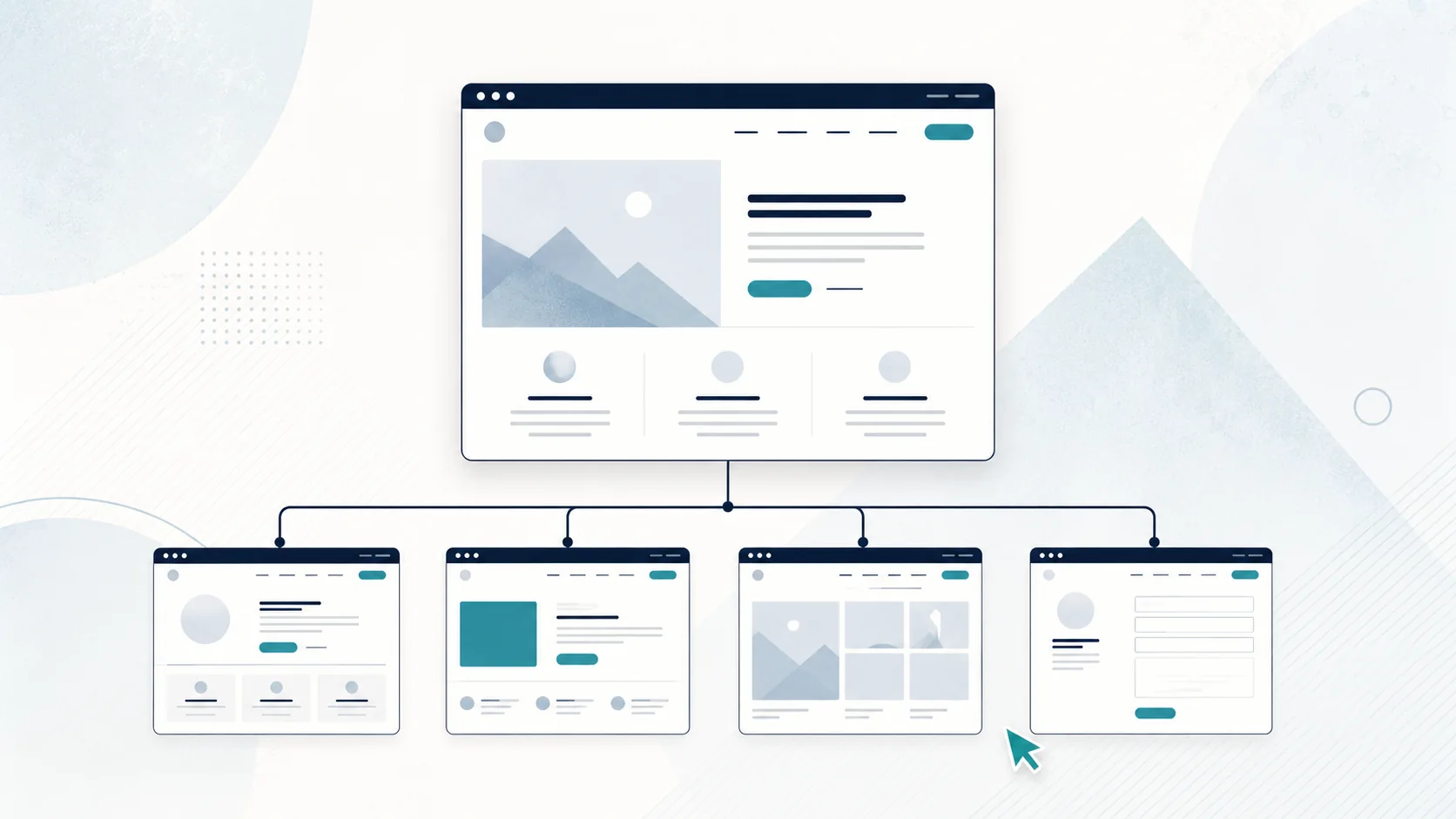
What pages does a small-business website actually need?
Here is the quick version.
| Page | What it needs to answer | Usually needed? | Main action |
|---|---|---|---|
| Home | What do you do, who is it for, and why should I keep reading? | Yes | Call, enquire or view services |
| Services | What can I hire you for? | Yes | View a service or enquire |
| About | Who am I dealing with, and can I trust this business? | Usually | Build trust, then enquire |
| Projects / Reviews | Can you show evidence of your work or reputation? | Often | Enquire after seeing proof |
| Contact | How do I reach you? | Yes | Call, email or send an enquiry |
That table is a starting point, not a rulebook. A solo lawn-mowing business and a building company offering renovations, decks, fencing and new builds should not automatically have the same sitemap.
1. Your Home page
Your Home page is not supposed to contain every detail about your business. Its job is to help the right visitor understand the basics quickly and move to the next useful step.
Within the first part of the page, a visitor should be able to work out:
- what you do
- who you do it for
- where you work, if location matters
- what makes the business credible
- what they should do next
For a Christchurch exterior house-cleaning business, that might mean a clear opening such as: house washing, gutter cleaning and exterior cleaning for homes across Christchurch, followed by a simple call or quote button.
The rest of the Home page can introduce your main services, show proof, explain the process and point people toward deeper pages. Use it for summaries rather than forcing every service detail onto one long page.
2. Your Services page
Most service businesses need somewhere that clearly explains what customers can actually hire them for.
For a simple business with a small number of closely related services, one Services page may be enough.
Imagine a mobile car-detailing business offering:
- interior detailing
- exterior detailing
- full-detail packages
Those services are closely related, likely aimed at the same customer and can often be explained properly on one strong page.
When one Services page is enough
A single Services page is often enough when:
- you only offer a few services
- the services are closely related
- the same type of customer buys them
- each service can be explained clearly without a long page
- you do not need a separate search landing page for each service
That keeps the site simple for both you and the customer.
When individual service pages make sense
Separate service pages become more useful when the services are genuinely different or need substantially different information.
A builder might offer:
- home renovations
- decks
- fencing
- bathroom renovations
- new builds
Someone researching a bathroom renovation has different questions from someone looking for a fence. Separate pages can let the business explain each service properly, show relevant photos, answer specific questions and target a distinct search intent.
The key word is distinct.
Do not create five near-identical pages just because five keyword variations exist. A separate page should earn its place by being useful.
3. Your About page
Small-business owners sometimes treat the About page as optional fluff. For a local service business, it can be one of the most useful trust pages on the site.
Customers are often not choosing between two abstract brands. They are choosing who they are comfortable calling, inviting onto their property, trusting with a project or paying a deposit to.
A useful About page can explain who runs the business, how you work with customers, relevant experience you can genuinely support and the area you serve. It does not need to read like a corporate history lesson. For a one-person business, a real photo and a few honest paragraphs can be enough.
4. Your Contact page
The Contact page should remove friction, not create it.
Include the contact methods you actually want customers to use. That may include:
- phone number
- email address
- enquiry form
- physical address, if customers visit you
- service area, if you travel to customers
- opening hours, if relevant
If you use a form, keep it focused on the information you genuinely need to respond. A customer asking for a basic quote should not have to complete a job application.
Also make contact details easy to find elsewhere on the site. A visitor should not be forced to hunt for the Contact page just to find your phone number.
5. Reviews, projects or case studies
Proof matters, but it does not always need its own page.
A painter may benefit from a dedicated Projects page because the work is visual and potential customers want to see finishes, colours and the types of properties handled.
A consultant may get more value from short case studies showing the problem, what they did and the outcome.
A small service business with only a handful of strong reviews might be better placing those reviews beside the relevant service or call to action rather than building an entire Testimonials page.
Ask one question: where will this proof be most convincing?
If the answer is "on the service page while the visitor is deciding", put it there.
Should every service have its own page?
No.
Create a separate service page when at least one of these is true:
- The service is materially different from your other services.
- Customers have different questions, objections or buying criteria for it.
- You have enough useful information and examples to make the page substantial.
- People search for that service independently and the page would genuinely satisfy that search.
- You want to send customers directly to that service from ads, Google Business Profile, email or other channels.
Keep services together when separating them would create thin pages that mostly repeat the same wording.
A useful test is this: if you removed the service name from the heading, would the rest of the page still look almost identical to another service page? If yes, the pages may not deserve to be separate.
Do you need separate location pages?
Sometimes, but they are easy to overdo.
A business covering several areas can benefit from a location page when the page contains genuinely useful information for customers in that location.
For example, a Canterbury builder may have enough real experience, projects, service details and local considerations to create a useful page about work in Selwyn.
What is less useful is creating ten pages that say the same thing while swapping only the place name:
"Deck builder Christchurch"
"Deck builder Rolleston"
"Deck builder Rangiora"
"Deck builder Lincoln"
If the pages offer nothing meaningfully different, they are not helping the visitor much either.
Location pages should exist because there is something useful to say about that market or service area, not because someone told you more URLs always means more SEO.
Is a one-page website enough for a small business?
Yes, sometimes.
A one-page website can work well when the business has a simple offer, a small number of services and a short buying journey.
For example, a new local window cleaner with two services, a few photos, a service area and simple contact details may not need five separate pages on day one.
A multi-page site becomes more useful when:
- you have several distinct services
- customers need more information before enquiring
- you have a growing portfolio or case studies
- different pages need to target different search intents
- the Home page is becoming overloaded
One page is not "unprofessional" by default. It is simply a structure. The question is whether that structure gives customers enough information and room for the site to grow.
Example website structures for different NZ businesses
There is no universal five-page formula. Here are several realistic examples.
Example 1: Solo lawn-care business
Home
Services
About
Contact
Possible structure inside Services:
- lawn mowing
- edging
- garden tidy-ups
This business may not need separate pages for each service unless those services become substantial enough to justify them.
Example 2: Christchurch builder with several services
Home
Renovations
Decks
Fencing
Bathrooms
Projects
About
Contact
This business has distinct services, visual work and customers who may want to research one type of project in detail. Separate pages make more sense.
Example 3: Independent business consultant
Home
Services
About
Case Studies
Contact
If the consultant offers two closely related advisory services, one Services page may be cleaner than splitting them into thin pages.
Example 4: Beauty or appointment-based service business
Home
Treatments / Services
Pricing
About
Contact / Book
If clients regularly compare treatment details and prices before booking, a clear Pricing page can genuinely reduce repetitive questions.
Pages you probably do not need just because somebody told you to
Some pages sound standard but are not automatically useful. Common examples are an empty News page, a blog you will not maintain, thin location pages, a duplicate "Why Choose Us" page, or a separate Testimonials page when reviews would be stronger beside the relevant service.
A Pricing page is also optional. If every job is genuinely bespoke, explaining what affects price may be more useful than publishing a number that misleads customers.
How page structure affects SEO
SEO is one reason to think carefully about page structure, but it should not be the only reason.
A search engine needs to understand what each page is about, and visitors need the same thing. If one page tries to cover every service and location, it can become vague. If you create dozens of near-identical pages, they can become repetitive.
Match pages to genuine customer topics: a broad Home page, distinct service pages where justified, proof pages where useful, and a clear Contact page.
How many pages should a small-business website have?
There is no SEO rule saying a small business needs five, seven or ten pages.
For many simple service businesses, four to seven useful pages is a perfectly sensible starting range. Some can work with one strong page. Others genuinely need a larger site because they have many services, locations or complex buying decisions.
The better question is: how many distinct pages does a customer need to understand the business and take the next step?
A simple sitemap planning method
Before you start designing anything, make a rough list.
Step 1: Write down every service you sell.
Step 2: Group services that are closely related.
Step 3: Mark services that deserve their own page because they need different information or have a distinct search intent.
Step 4: Add the trust pages you actually need, such as About, Projects or Case Studies.
Step 5: Add Contact.
Step 6: Ask whether pricing, FAQs, locations or resources solve a real customer problem.
Step 7: Remove any page you cannot explain the purpose of in one sentence.
Your first sitemap might look like this:
Home
Services
- Service A
- Service B
About
Projects
Contact
Or it might simply be:
Home
Services
About
Contact
Both can be right.
What should you do next?
Once the sitemap makes sense, the next job is working out what information belongs on each page.
If you are considering building the site yourself, the next useful question is whether a DIY platform or a web designer makes more sense for your budget and time. See: Wix vs Web Designer: Which Is Better for an NZ Small Business?
If you already know you are hiring someone, use the What Should I Give My Web Designer? NZ Website Content Checklist to collect the raw information, photos and business details they will need.